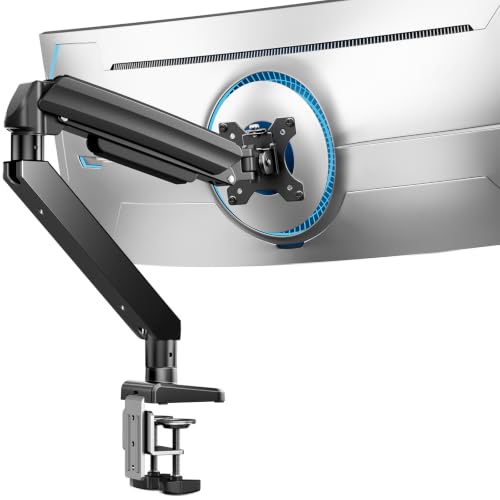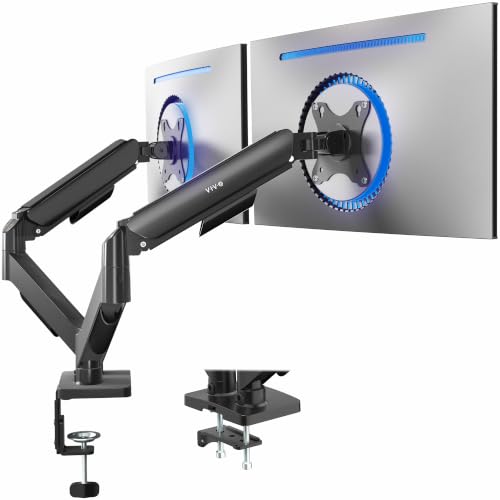

Your Samsung Odyssey G9 is a beast of a monitor, with its massive 49-inch curved screen and immersive 32:9 aspect ratio. But finding a desk mount that can handle its weight and size without sagging or wobbling can feel like a quest. You need a monitor arm that offers robust support, smooth adjustments, and a clean setup that matches your gaming or productivity rig.
This guide focuses on the best monitor arm for Samsung Odyssey G9, breaking down the top contenders that can safely hold this ultrawide giant. We’ll walk you through key features to consider, compare leading models, and help you decide which one fits your desk and workflow. If you’re also exploring options for other ultrawide sizes, check out our best monitor arm for ultrawide guide for more insights.

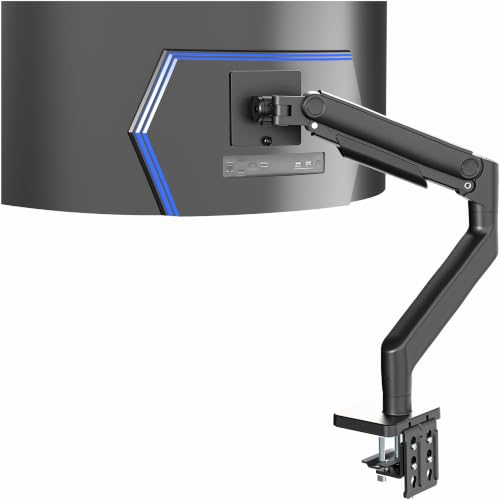

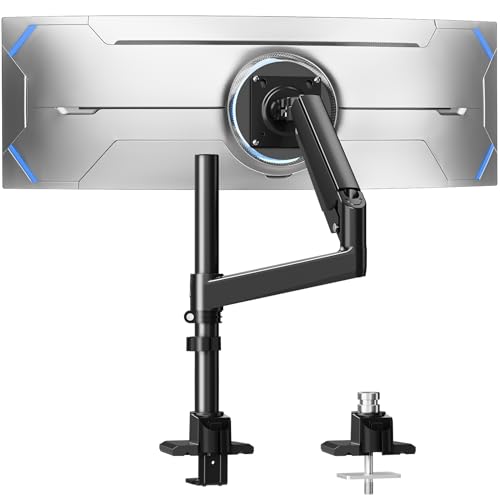

Buying Guide: What to Look For in a Monitor Arm for Your Odyssey G9
Weight and Size Capacity
The Odyssey G9 is heavy, typically weighing around 30 to 35 pounds with its stand removed. Your monitor arm must have a weight capacity that comfortably exceeds this, ideally at least 40 pounds, to ensure stable support. A 44-pound capacity, like the arms we reviewed, gives you a safety margin and handles the G9 with ease.
Also, confirm the arm supports 49-inch screens and the VESA pattern. The G9 uses a 100x100mm VESA mount, so any arm you choose must be compatible. For more on ultrawide compatibility, see our best monitor arm for curved monitor article.
Desk Compatibility and Mounting Options
Your desk must be able to handle the clamp or grommet mount. Check the desk thickness range and material. Most heavy-duty arms recommend a solid wood desk, not glass or plastic. The clamp should fit securely over the edge without interfering with any crossbars underneath.
Measure your desk’s edge thickness and ensure it falls within the arm’s specifications. The HUANUO and VIVO arms we reviewed both accommodate desks up to about 3.2 to 3.5 inches thick, which covers most standard desks. If you have a unique desk setup, you might want to explore other options in our best monitor arm for 32 inch monitor guide for similar mounting considerations.
Articulation and Ergonomics
You want an arm that allows you to position the monitor exactly where you need it. Look for tilt, swivel, and rotation ranges that let you adjust the screen for comfort. Height adjustment is crucial for aligning the top of the screen with your eye level, reducing neck strain.
Both arms we reviewed offer generous tilt and swivel, but the HUANUO provides a wider tilt range (+50° to -50°) compared to the VIVO (+50° to -20°). That extra tilt flexibility can be handy if you often share your screen or prefer a steep viewing angle. For a deeper dive on ergonomic mounts, visit our monitor arms category.
Build Quality and Stability
A flimsy arm will fail under the G9’s weight. Choose an arm made from high-strength materials like aluminum alloy. Look for reinforced joints and a wide base to prevent wobble. The HUANUO TitanLift is crafted from aluminum alloy with a thicker arm and wider base, which enhances stability.
The VIVO arm also uses aluminum and includes a heavy-duty C-clamp. Both have passed rigorous durability checks, but the HUANUO boasts a 50,000-cycle motion validation and a 3X load test, offering extra peace of mind. For more on desk accessories that complement your setup, check our desk accessories section.
Final Thoughts
Choosing the right arm for your Odyssey G9 comes down to your specific needs and budget. If you want maximum adjustability and a premium build, the HUANUO TitanLift Heavy Duty Monitor Arm is our top pick, offering a wide tilt range and robust construction. For a more budget-friendly yet reliable option, the VIVO Heavy Duty Aluminum Ultrawide Monitor Tension arm provides solid support with a sleek design and smooth spring-assisted height adjustments. Both will transform your desk into a cleaner, more ergonomic space, so pick the one that aligns with your priorities.
Frequently Asked Questions
Will a monitor arm hold the Samsung Odyssey G9?
Yes, but you need a heavy-duty arm designed for ultrawide monitors. The Odyssey G9 weighs around 30 pounds without its stand, so choose an arm with a weight capacity of at least 40 pounds. Both the HUANUO TitanLift and VIVO arms are rated for 44 pounds, making them fully capable.
What VESA size does the Samsung Odyssey G9 use?
The Samsung Odyssey G9 uses a 100x100mm VESA pattern. Ensure your chosen monitor arm supports this standard, as all the arms we reviewed do. This allows you to mount the monitor securely to the arm’s VESA plate.
Can I mount the Odyssey G9 on a glass desk?
No, we strongly advise against mounting the G9 on a glass desk. The clamp pressure can crack the glass, and the weight of the monitor could cause instability. Both HUANUO and VIVO recommend using a solid wood desk for safety. For more desk compatibility tips, see our guide on best monitor arm for ultrawide.
How much height adjustment do I need for the G9?
For ergonomic comfort, you want the top of the screen at or slightly below eye level. The HUANUO arm offers up to 19.6 inches of height adjustment, while the VIVO provides 11 inches. Both allow you to find a comfortable viewing position, but the HUANUO gives you more flexibility if you have a taller desk or prefer a higher monitor placement.